
Running out of stock on Amazon doesn’t just mean lost sales. It wrecks your organic ranking, sometimes for weeks. On the flip side, overstock triggers $6.90 per cubic foot in monthly long-term storage fees that quietly eat your margins. Learning how to restock FBA inventory efficiently is the single most profitable habit you can build as an Amazon seller. This guide walks you through the exact formulas, tools, and best practices to keep your shelves stocked without drowning in excess inventory.
Table of Contents
- Key takeaways
- Restock FBA inventory efficiently: the key metrics you need first
- How to calculate exactly when and how much to reorder
- Best practices and tools for ongoing FBA inventory management
- Common restocking mistakes that cost you ranking and money
- My take on what separates the best FBA inventory operators
- How Usiprep helps you stay stocked and profitable
- FAQ
Key takeaways
| Point | Details |
|---|---|
| Know your reorder point | Calculate (lead time × daily velocity) + safety stock to trigger replenishment at the right moment. |
| Map your total lead time | Include production, shipping, prep, and Amazon receiving time so your reorder trigger matches reality. |
| Track IPI to protect storage space | An IPI score below 400 restricts your restock limits, so prioritize high-velocity SKUs to stay above it. |
| Automate alerts per SKU | Use dedicated software to monitor velocity, reorder points, and seasonality across your entire catalog. |
| Adjust safety stock for 2026 fees | Amazon’s updated fee structure makes a 30 to 45 day safety stock buffer the new standard for most sellers. |
Restock FBA inventory efficiently: the key metrics you need first
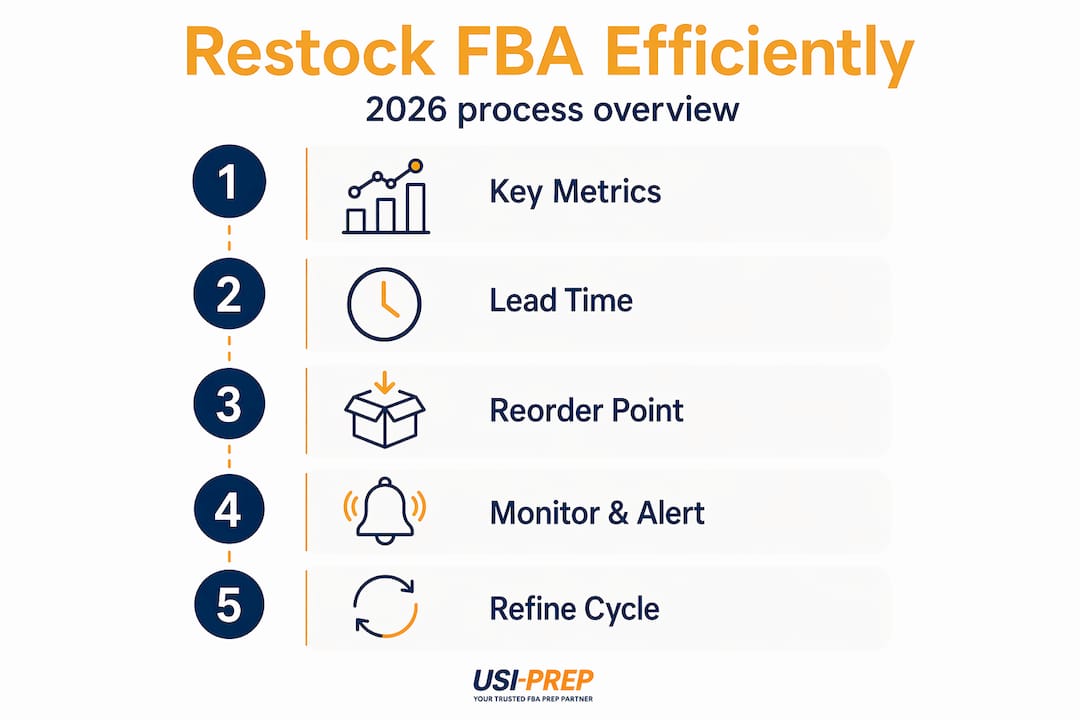
Before you can restock FBA inventory efficiently, you need a common language for your numbers. Skipping this step is why most sellers end up ordering by gut feel and paying for it.
Days of supply
Days of supply tells you how long your current stock will last at your current sales pace. The formula is simple: divide units on hand (including inbound inventory at Amazon) by your average daily sales velocity. If you have 300 units and sell 10 per day, you have 30 days of supply. That number becomes your compass for every restocking decision.
Total lead time
Most sellers underestimate this badly. Total lead time covers production, shipping, prep, and Amazon receiving, and it typically runs 45 to 90 days for overseas suppliers and 14 to 30 days for domestic ones. If you are sourcing from overseas and only budgeting 30 days, you will be late almost every cycle. Map the lead time for each SKU separately and update it whenever a supplier or carrier changes.
Reorder point and safety stock
The reorder point formula is: (Lead Time × Daily Velocity) + Safety Stock. Say your supplier takes 60 days and you sell 5 units per day. Your base reorder point is 300 units. Add safety stock of 14 to 21 days of average velocity to protect against velocity spikes or receiving delays, and your actual reorder point lands around 370 to 405 units. Safety stock is not padding. It is insurance for the things you cannot control.
Inventory Performance Index
Your IPI score below 400 triggers Amazon to cap your storage limits, which directly restricts how much you can send in. A low IPI is often the hidden reason a seller cannot restock a bestseller during Q4. Monitor it weekly in Seller Central, and treat it as a business health metric, not a vanity score.
Pro Tip: Set up a simple spreadsheet with a column for each SKU’s current days of supply, reorder point, and IPI contribution. Review it every Monday. Fifteen minutes a week prevents most restocking emergencies.
How to calculate exactly when and how much to reorder
Knowing the formulas is one thing. Applying them to your actual catalog is where sellers either get this right or keep improvising. Here is a step-by-step method that works whether you have 5 SKUs or 500.
-
Calculate your daily velocity accurately. Use a 14-day average for trending or seasonal products where recent sales matter more. Use a 30-day average for stable, evergreen items. Never rely on a single day or week since it creates false signals.
-
Map your real total lead time per SKU. Pull the last three orders for each supplier and average the actual days from purchase order to Amazon check-in. Do not use the supplier’s quoted lead time since it rarely matches reality.
-
Set your reorder point using the formula. Multiply your daily velocity by your total lead time, then add your safety stock buffer. Write this number down for each SKU and revisit it every 60 days or after any supply chain change.
-
Calculate your order quantity. Decide on a target days of supply (many sellers use 60 to 90 days). Subtract your current inventory and inbound stock from that target, then multiply the gap by daily velocity. That is your order quantity. For example: target is 90 days, daily velocity is 8 units, and you have 200 units on hand with 100 inbound. Order quantity = (90 × 8) minus 300 = 420 units.
-
Adjust for seasonality and trends. If you are heading into a peak season, multiply your base velocity by a seasonal factor. A product that does 10 units per day in October might do 30 per day in December. Missing this adjustment is one of the most expensive errors in FBA restocking.
| Scenario | Daily Velocity | Lead Time | Safety Stock | Reorder Point |
|---|---|---|---|---|
| Overseas supplier, stable product | 5 units | 60 days | 15 days (75 units) | 375 units |
| Domestic supplier, trending product | 15 units | 21 days | 7 days (105 units) | 420 units |
| Overseas supplier, seasonal product | 10 units (base) | 75 days | 21 days (210 units) | 960 units |
Pro Tip: For seasonal products, lock in your pre-season purchase order at least 90 days before peak. By the time you notice the velocity spike in your dashboard, it is already too late to reorder from an overseas supplier.
Note also that Amazon’s 2026 fee changes have tightened the window for holding inventory, making shorter reorder cycles and 30 to 45 day safety stock buffers the new standard. Plan your order quantities with that in mind.
Best practices and tools for ongoing FBA inventory management
Calculating your reorder points is the math side. The operational side is making sure those numbers actually trigger action at the right time. Here is what that looks like in practice.
Build a monitoring system with real alerts
Do not wait until you check Seller Central once a week to discover you are at 10 days of supply. Set up automated alerts that fire when any SKU drops below its reorder point. Most dedicated inventory management software can handle per-SKU tracking, velocity recalculations, and real-time reorder alerts without manual work. The goal is to make stockouts feel impossible, not just unlikely.
Prioritize high-velocity SKUs under storage limits
When your IPI constrains how much you can send in, you cannot treat all SKUs equally. Rank your catalog by revenue and sell-through rate. Send in the products that move fastest first. Liquidating or promoting items older than 60 days frees up both IPI headroom and physical storage for your bestsellers.

Coordinate with marketing before it becomes urgent
One overlooked lever: run flash sales or coupons on slow-moving inventory before it ages into fee territory. Coordinating with your marketing calendar turns excess inventory into a planned tool rather than a crisis. A product that is 45 days old with falling velocity is a candidate for a 10 to 15 percent coupon now, not a removal order in 30 days.
Use prep and check-in best practices to cut receiving delays
Amazon’s receiving time is often the least predictable part of your lead time. Following proper FBA packaging requirements and labeling standards on every shipment dramatically reduces holds and delays. A shipment that checks in two weeks faster effectively shortens your lead time and lets you carry less safety stock. That is a direct cost saving.
Pro Tip: Review your FBA inventory check-in data for the last six months and calculate your average receiving delay by carrier and warehouse. You will almost always find one combination that consistently runs slower, and you can adjust your lead time buffer for that lane specifically.
Common restocking mistakes that cost you ranking and money
Even sellers who know the formulas make avoidable errors. These are the ones that show up most often and hurt the most.
-
Ordering based on gut feel. Saying “I usually order every 60 days” ignores the fact that your velocity may have doubled or your supplier’s lead time may have stretched. Data beats intuition every time.
-
Relying entirely on Amazon’s restock recommendations. Amazon’s built-in restock tool is a starting point, not a finished answer. It does not account for your specific supplier lead times, prep time, or seasonal multipliers. Treat it as one input, not the final word.
-
Ignoring lead time variability. A supplier who usually ships in 30 days might take 50 days during Chinese New Year or a port backlog. Build variability into your safety stock calculation rather than assuming best-case timing.
-
Letting slow-moving inventory sit. Aged inventory that you ignore does not just cost you storage fees. It reduces your IPI, which then limits how much fast-moving product you can send in. The damage compounds quickly.
-
Failing to update your reorder points. If you set your reorder points in January and never touch them, they are wrong by March for most catalogs. Sales velocity, lead times, and supplier reliability all change. Your inputs need to change with them.
Recovering from a stockout requires more than just sending in more inventory. You need to restart PPC campaigns, build back review velocity, and sometimes wait out ranking algorithms that have already dropped your product several pages. Prevention is not just cheaper. It is faster.
My take on what separates the best FBA inventory operators
I’ve worked with enough Amazon sellers to see a clear pattern. The sellers who consistently avoid stockouts and overstock are not smarter. They are more systematic. They build a process and actually run it every week, even when things seem fine.
What I’ve found is that most sellers know the reorder point formula in theory but never apply it consistently. They set it up once, then forget to update it when their velocity triples in November or their supplier starts running 15 days late. The formula only works if the inputs are current.
The other thing I’ve noticed: sellers who carry the least safety stock are often the most stressed. They are constantly watching their inventory like it might disappear overnight, because it might. Carrying an extra two weeks of stock feels expensive until you compare it to the revenue loss and ranking recovery cost of a single stockout event during peak season.
My experience with larger catalogs has also taught me that automation is not optional beyond about 30 SKUs. Manual tracking in a spreadsheet works until it doesn’t, usually at the worst possible moment. Investing in software that tracks velocity and reorder points per SKU pays for itself within one avoided stockout.
The sellers I’ve seen build real, durable businesses on Amazon treat inventory management as a core competency, not a back-office task. It shows in their numbers every single quarter.
— Akbar
How Usiprep helps you stay stocked and profitable

Usiprep was founded by former Amazon sellers who know exactly how much a missed shipment or a slow check-in can cost you. If you want to restock inventory for Amazon FBA without the operational headaches, Usiprep’s prep and fulfillment services cut check-in times and eliminate the labeling errors that slow down receiving. Their FBA shipment checklist resource walks you through every step to make sure your inventory hits Amazon’s warehouse ready to receive. With a 98.9% on-time delivery rate and fulfillment cost reductions of up to 30% for many clients, Usiprep gives growing sellers the logistical foundation to actually execute the restocking systems this article describes. Visit usiprep.com to learn how their team can support your restock cycles.
FAQ
What is the reorder point formula for FBA sellers?
The reorder point equals (lead time × daily sales velocity) plus safety stock. For example, a 60-day lead time with 5 daily units sold requires a reorder point of about 370 to 405 units when you add a standard two to three week safety stock buffer.
How much safety stock should FBA sellers carry in 2026?
Most FBA sellers should carry 30 to 45 days of safety stock given Amazon’s current fee structure, which now penalizes both aged inventory and low-stock situations. The exact buffer depends on your lead time variability and sales velocity.
How does IPI score affect my ability to restock FBA inventory?
An IPI score below 400 causes Amazon to cap your storage limits, which restricts how much inventory you can send in. Improving your IPI by selling through slow-moving stock gives you more capacity to restock your top-performing products.
Should I use Amazon’s built-in restock recommendations?
Amazon’s restock tool is a useful starting point but does not account for your specific supplier lead times, prep delays, or seasonal adjustments. Use it as one reference alongside your own per-SKU reorder point calculations.
How do I recover from an FBA stockout quickly?
Reorder immediately and set up a priority shipment if possible. Restart any paused PPC campaigns as soon as inventory is inbound to preserve ad rank, and consider running a promotional price for the first week after restocking to rebuild sales velocity and organic ranking.