
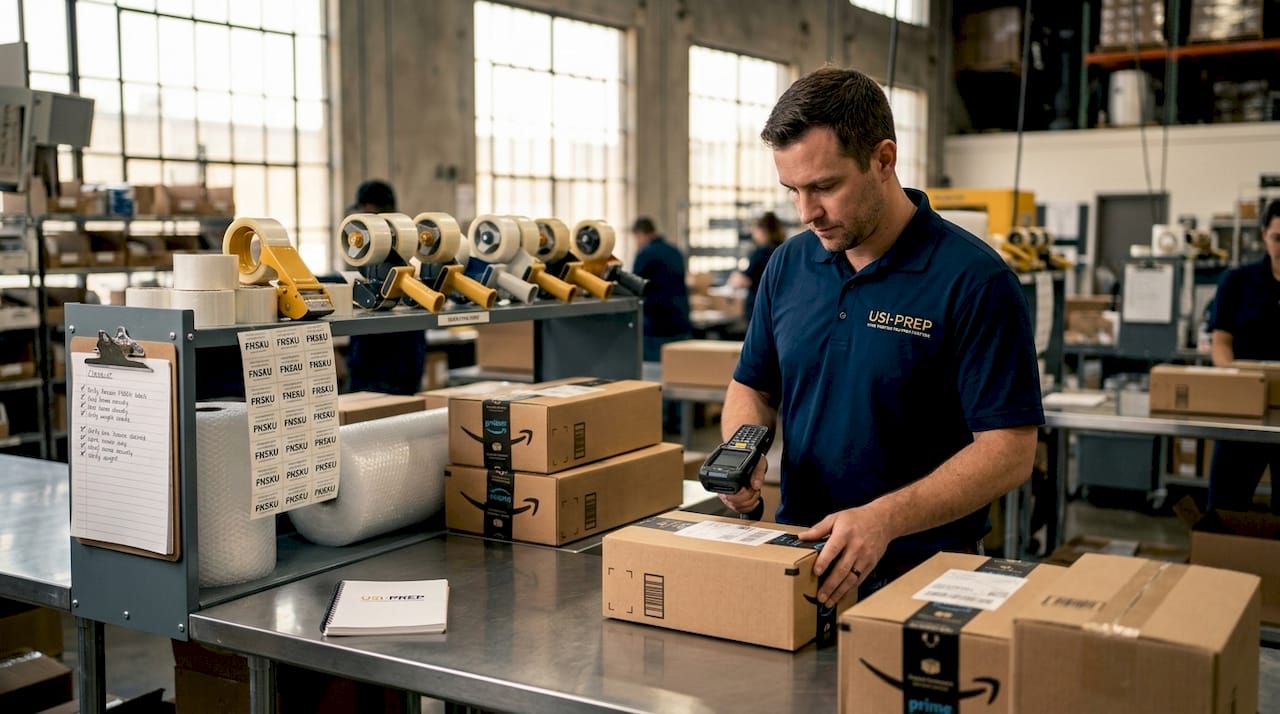
Faster Amazon inventory prep is now a mandatory operational skill, not a competitive advantage. Amazon ended U.S. FBA prep services starting January 1, 2026, which means every unit you ship must arrive fully labeled, packaged, and compliant before it reaches a fulfillment center. Sellers who treat prep as an afterthought face extra charges, receiving delays, and lost sales velocity. The prep amazon inventory faster tips in this guide cover compliance requirements, labeling workflows, automation tools, and the most common errors that cost sellers time and money.
What are the critical compliance requirements for faster Amazon inventory prep?
Compliance is the foundation of speed. A shipment that fails Amazon’s receiving standards does not move faster. It stops entirely.
FNSKU labels must meet a minimum 80% contrast ratio, 300 DPI resolution in Code 128 format, and measure approximately 1 inch by 2 inches or 1 inch by 3 inches, with a 1/8-inch quiet zone on all sides. That quiet zone matters more than most sellers realize. Any text, graphic, or competing barcode inside that margin causes scan failures at the fulfillment center, triggering manual intervention and delays that can stretch receiving times by days.
Covering manufacturer barcodes is equally non-negotiable. Amazon’s scanners will read the first barcode they detect. If the original UPC is visible beneath your FNSKU label, the system may route your product incorrectly or reject the unit outright. Use opaque labels and verify coverage under direct light before sealing any carton.
Packaging rules add another layer of requirements you must get right before shipping:
- Polybagging: Any product that could spill, leak, or be damaged by dust requires a polybag with a minimum 1.5-mil thickness. Bags with openings larger than 5 inches must carry a suffocation warning printed in at least 10-point font.
- Fragile items: Bubble wrap or foam must protect the item on all six sides. The finished package must pass a 3-foot drop test without exposing the product.
- Liquids: Sealed with a secondary closure and placed in a polybag. No exceptions.
- Box limits: Individual cartons must not exceed 50 lbs or 25 inches on any single side unless the contents are an oversized single unit.
Non-compliance triggers Amazon’s unplanned prep fees, which are assessed per unit and applied automatically. Beyond the direct cost, non-compliant shipments get quarantined during receiving, which means your inventory is physically present at the fulfillment center but unavailable for sale. That gap between arrival and availability is where sellers lose ranking momentum.
Pro Tip: Print a sample label on plain paper and scan it with a free barcode scanner app before running your full label batch. This two-minute check catches resolution and contrast problems before you waste an entire label roll.
How can sellers optimize labeling and packaging workflows for speed?
Speed in prep comes from removing decisions from the process. Every time a worker has to stop and figure out what to do next, you lose time. The goal is a workflow where each step is predetermined, verified, and repeatable.
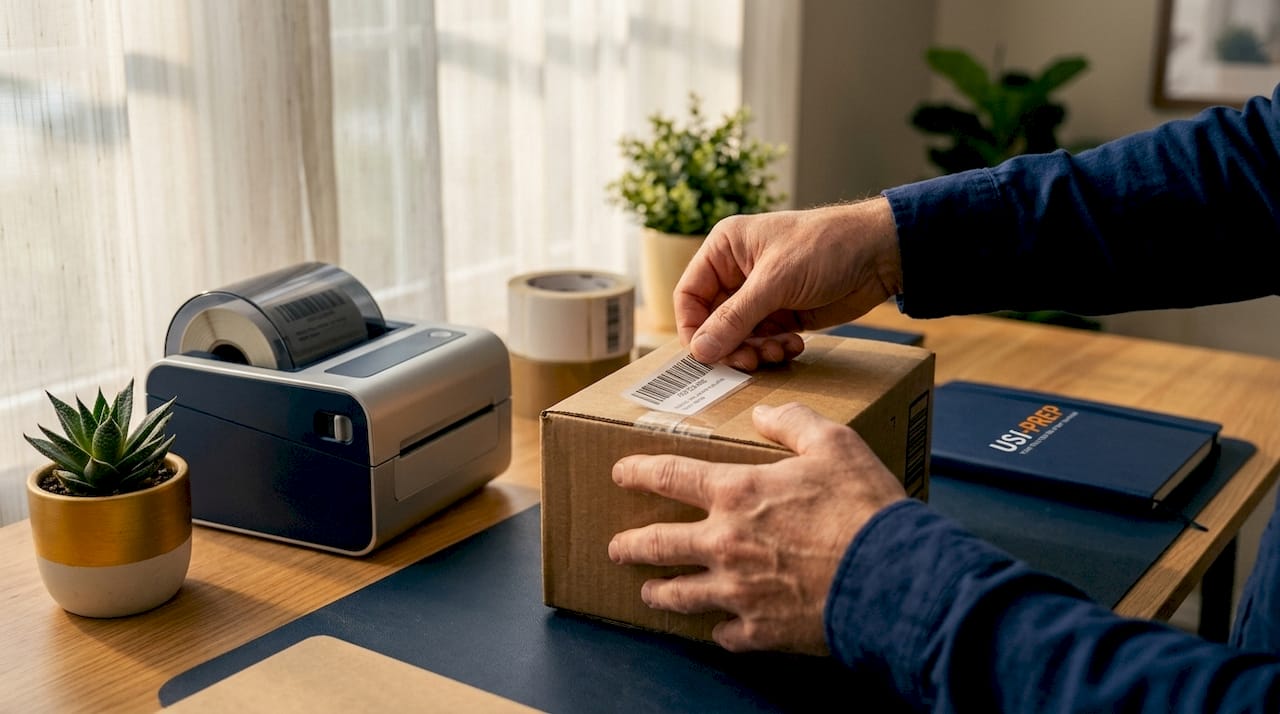
Choosing between in-house prep and third-party prep centers
The right choice depends on your volume and product complexity. Third-party prep centers charge between $0.15 and $0.40 per label, which is significantly cheaper than Amazon’s legacy $0.55 per unit fee. Factory labeling costs even less, but introduces higher quality control risk because you cannot verify label placement and scan quality before the product ships internationally.
| Prep Method | Cost per Unit | Speed | QC Control |
|---|---|---|---|
| In-house | Variable (labor + equipment) | High if volume justifies setup | Full control |
| Third-party prep center | $0.15–$0.40 per label | 3–7 days standard, 10–14 days in Q4 | Dependent on partner |
| Factory labeling | Lowest | Fastest upstream | Lowest, hard to verify |
For sellers moving fewer than 500 units per month, in-house prep with a Rollo or Zebra thermal printer and a roll of FNSKU labels is often the most practical setup. Above that volume, the labor cost and error rate of in-house prep typically make a third-party prep center the better choice.
Building a batch processing workflow
Batch processing is the single most effective method to speed up Amazon inventory prep at any volume. Instead of labeling, inspecting, and packing one unit at a time, you process all units through each stage before moving to the next.
- Receive and count: Verify all inbound units against the purchase order before touching a single label.
- Inspect: Check for damage, expiration dates, and manufacturer barcode visibility.
- Label: Print all FNSKU labels in one batch. Apply in a single pass across all units.
- Scan-test: Run a mid-line barcode scan on every fifth unit before sealing. Mid-line QA checkpoints catch labeling errors before they reach Amazon, preventing entire shipment batches from being rejected.
- Pack and seal: Box by SKU, verify box weight, and apply shipping labels.
- Final scan: Scan the shipping label on each carton and confirm it matches your shipment plan in Seller Central.
Pro Tip: Use a dedicated label station with a fixed-height label applicator arm. Consistent label placement height across all units reduces scan failures caused by label skew or wrinkle, which are two of the most common reasons for receiving slowdowns.
Cross-dock prep partners add another dimension to this workflow. Cross-dock prep facilities can process inventory in 1 to 3 days and consolidate shipments to cut inbound transit time from over 20 days to under 6 days. For sellers importing from overseas suppliers, routing inventory through a cross-dock prep center near a major port is one of the fastest ways to reduce total lead time without changing your supplier.
When you build your reorder points for FBA restocking, the formula must include supplier lead time plus prep center turnaround plus Amazon receiving time. Sellers who calculate reorder points using only supplier lead time consistently run out of stock during the prep and transit window.
What role does automation play in accelerating Amazon inventory prep?
Automation does not replace prep. It removes the guesswork that slows prep down.
Automated inventory systems connected to the Amazon Seller Central API sync stock levels in real time, forecast demand based on sales velocity, and trigger reorder alerts before you reach a critical threshold. The practical result is that you never start a prep cycle scrambling to figure out how many units to order. The system tells you, and it accounts for prep center lead time as part of the calculation.
The key automation capabilities that directly affect prep speed include:
- Reorder alerts with prep lead time built in: Software like RestockPro or Skubana calculates reorder points using your specific prep center’s average turnaround, not a generic estimate. Prep center turnaround averages 3 to 7 business days under normal conditions and stretches to 10 to 14 days during Q4. An automated system that does not account for that seasonal variability will generate stockouts every fourth quarter.
- Purchase order automation: Systems that generate draft purchase orders when reorder thresholds are hit eliminate the manual step of creating POs, which typically adds 24 to 48 hours to the replenishment cycle.
- Multi-channel inventory sync: If you sell on Amazon, Shopify, and Walmart simultaneously, a single inventory pool managed through a tool like Linnworks or Zentail prevents overselling and ensures your prep quantities are accurate across all channels.
- Shipment plan pre-population: Some tools integrate directly with the FBA shipment creation workflow in Seller Central, pre-filling box contents, weights, and dimensions to cut shipment plan creation time from 30 minutes to under 5 minutes per shipment.
One technical detail that catches sellers off guard: Amazon’s Fulfillment Inbound API deprecated the ‘AMAZON’ values for prepOwner and labelOwner fields. Any integration that still passes those values will generate errors and fail to create valid shipment plans. If you use a third-party tool for shipment creation, verify that your provider has updated their API integration for 2026 compliance.
Automation tools built for e-commerce increasingly include prep workflow modules that connect supplier confirmations, prep center scheduling, and Amazon shipment plans into a single pipeline. That end-to-end visibility is what separates sellers who prep reactively from those who prep on a predictable schedule.
What common mistakes slow down Amazon inventory prep and how to avoid them?
Most prep delays trace back to a small set of repeatable errors. Knowing them in advance is the fastest way to remove them from your operation.
- Incorrect FNSKU label placement: Labels placed on curved surfaces, seams, or near product openings are the most common cause of scan failures. Place labels on the flattest, most accessible face of the product or its packaging.
- Ignoring prep lead time in reorder planning: Treating prep lead time as a fixed-cost variable in your reorder formula prevents the emergency fees and stockout risks that come from underestimating how long prep actually takes, especially during Q4 peak periods.
- Using substandard packaging materials: Polybags below 1.5-mil thickness fail Amazon’s inspection. Bubble wrap that compresses under box weight does not protect fragile items. Buying the cheapest available materials creates rework costs that exceed any savings.
- Skipping the pre-shipment scan test: Sealing cartons without verifying barcode scan quality is the single most avoidable cause of receiving failures. A 10-minute scan check before sealing saves days of delay after arrival.
- Leaving manufacturer barcodes exposed: This error is easy to make and expensive to fix once inventory is in transit. Build a visual check for exposed barcodes into your packing station as a mandatory step before any carton is sealed.
- Underutilizing prep center consolidation: Sending multiple small shipments to Amazon instead of consolidating through a cross-dock prep partner increases per-unit shipping costs and extends the time before inventory is available for sale.
Pro Tip: Create a physical prep checklist posted at your packing station. A laminated one-page checklist covering label placement, barcode coverage, polybag thickness, and scan verification eliminates the mental overhead that causes errors during high-volume prep sessions.
Understanding FBA inventory check-in best practices alongside your prep workflow gives you a complete picture of where delays actually occur, which is often not in prep itself but in the handoff between prep and Amazon’s receiving process.
Key takeaways
Faster Amazon inventory prep in 2026 requires compliance-first workflows, batch processing, automation that accounts for prep lead time, and consistent quality control before every shipment leaves your facility.
| Point | Details |
|---|---|
| Compliance is non-negotiable | FNSKU labels must meet 300 DPI, 80% contrast, and Code 128 format to pass Amazon receiving. |
| Batch processing cuts prep time | Process all units through each stage before moving to the next to eliminate decision delays. |
| Prep lead time belongs in reorder math | Include 3–14 days of prep center turnaround in every reorder point calculation. |
| Automation removes guesswork | Reorder alerts, PO generation, and multi-channel sync prevent stockouts and prep scrambles. |
| Cross-dock prep reduces transit time | Consolidation through a prep partner can cut inbound transit from 20+ days to under 6 days. |
Why most sellers are still thinking about prep the wrong way
I have worked with hundreds of Amazon sellers, and the pattern is consistent. Prep gets treated as a cost center to minimize rather than a throughput constraint to manage. That framing is the root cause of most of the delays I see.
When you treat prep capacity the way you treat warehouse space, meaning as a finite resource that must be planned around, your entire replenishment strategy changes. You stop sending inventory to a prep center without confirming their current turnaround time. You stop building reorder points that ignore the 10 to 14 day Q4 prep window. You start thinking about prep as part of your supply chain, not a step that happens after your supply chain ends.
The hybrid model is where I have seen the most consistent results. Routine, high-volume SKUs handled in-house with a dedicated label station and a trained operator. Complex, fragile, or bundled products routed to a third-party prep center with the expertise and equipment to handle them correctly. That split keeps your in-house operation lean while ensuring your most error-prone products get the attention they need.
The other thing I would push back on is the instinct to automate everything at once. Start with reorder alerts that incorporate prep lead time. That single change prevents more stockouts than any other automation investment. Once that is running reliably, add purchase order automation and multi-channel sync. Build the system in layers, and verify each layer is working before adding the next.
Speed and compliance are not in tension. A compliant shipment moves through Amazon’s receiving process faster than a non-compliant one. The sellers who prep fastest are not cutting corners. They are running tighter processes.
— Akbar
How Usiprep helps you prep inventory faster and stay compliant
Usiprep was built by former Amazon sellers who understood exactly where prep operations break down. The company offers FBA prep services specifically designed around 2026 compliance standards, covering labeling, polybagging, inspection, and shipment consolidation for sellers at every volume level.
Usiprep’s FBA prep requirements checklist gives you a complete reference for every compliance standard your shipments must meet before they leave your facility. For sellers ready to hand off the entire prep process, Usiprep’s FBA prep and fulfillment services deliver a 98.9% on-time delivery rate and a 30% reduction in fulfillment costs for many brands. Use the step-by-step shipment checklist to verify every shipment before it ships.
FAQ
What changed about Amazon FBA prep in 2026?
Amazon ended its U.S. FBA prep and item-labeling services on January 1, 2026. Sellers must now fully prep all inventory before shipping to any Amazon fulfillment center.
How long does third-party prep center processing take?
Standard turnaround at most prep centers runs 3 to 7 business days. During Q4, that window extends to 10 to 14 days, so reorder points must account for seasonal variability.
What are the FNSKU label requirements for Amazon FBA?
FNSKU labels must be printed at 300 DPI in Code 128 format, measure approximately 1 inch by 2 inches, carry a minimum 80% contrast ratio, and include a 1/8-inch quiet zone on all sides.
How do cross-dock prep centers speed up inbound inventory?
Cross-dock prep partners process inventory in 1 to 3 days and consolidate shipments, cutting inbound transit time from over 20 days to under 6 days compared to direct LTL shipping.
What is the cheapest compliant labeling option for FBA sellers?
Third-party prep centers charge $0.15 to $0.40 per label, which is lower than Amazon’s legacy $0.55 per unit fee. Factory labeling costs less but carries higher quality control risk because placement and scan quality cannot be verified before international shipment.